There are several websites listed on this blog where you can access free audio books for kids. Another site where you can get free books would be http://freekidsbooks.org/. You can read online or download the pdf version.
A friend mentioned this site.
Sunday, November 30, 2014
Thursday, November 27, 2014
Solar System Exploration.......NASA
In January 2013 I mentioned the NASA site: The Solar System Exploration site. It's worth mentioning again that it offers an education and kids section, video gallery, a multi media section that students would find interesting. As well as a gallery of images, videos and an interactive section.

OR NASA
Wednesday, October 29, 2014
Science 360


I
Tuesday, October 7, 2014
Code
Give students the opportunity to learn computer science. There are courses that consists of about 20 lessons that are available that can be used as young as kindergarten. These tutorials are self paced and self guided.

Wednesday, September 10, 2014
Student Interactives
Read Write Think website has many student interactive tools that help accomplish various literacy goals. Some examples are:
Letter generator
Postcard generator
Timeline generator
You can find all of their generators at this link,

Letter generator
Postcard generator
Timeline generator
You can find all of their generators at this link,
Wednesday, August 6, 2014
Storify
A web tool that can be used to write and share stories. You can collaborate, it has drag and drop features as well as create text. Storify stories can be embedded anywhere on the web.

Wednesday, May 14, 2014
Scratch... coding
Young people are learning programming
languages from the earliest ages and up. There are many tools, web sites and apps that teach young
people how to program using the Java programming language, and Java-based
languages developed for ease of use.
One such site is Learn Scratch . This site has self paced tutorial on programming for ages 5-15. There are teacher lesson plans available in PDF.
One such site is Learn Scratch . This site has self paced tutorial on programming for ages 5-15. There are teacher lesson plans available in PDF.
Tuesday, April 22, 2014
Bookemon..... Online e-books
Bookemon is another Free online tool where you can write on line and create books. The Edcenter is a secure and private environment for students. Teachers can add student accounts for their students for privacy and ease of oversight on students' works. http://www.bookemon.com/educator-home
Thank you Isabel for sharing this site.
Thank you Isabel for sharing this site.
Wednesday, January 29, 2014
How Stuff Works
How stuff works is a subsidiary of Discovery Communications. It is a great site with comprehensive articles on how things work on various topics. It is worth checking out. How Stuff Works
Friday, January 10, 2014
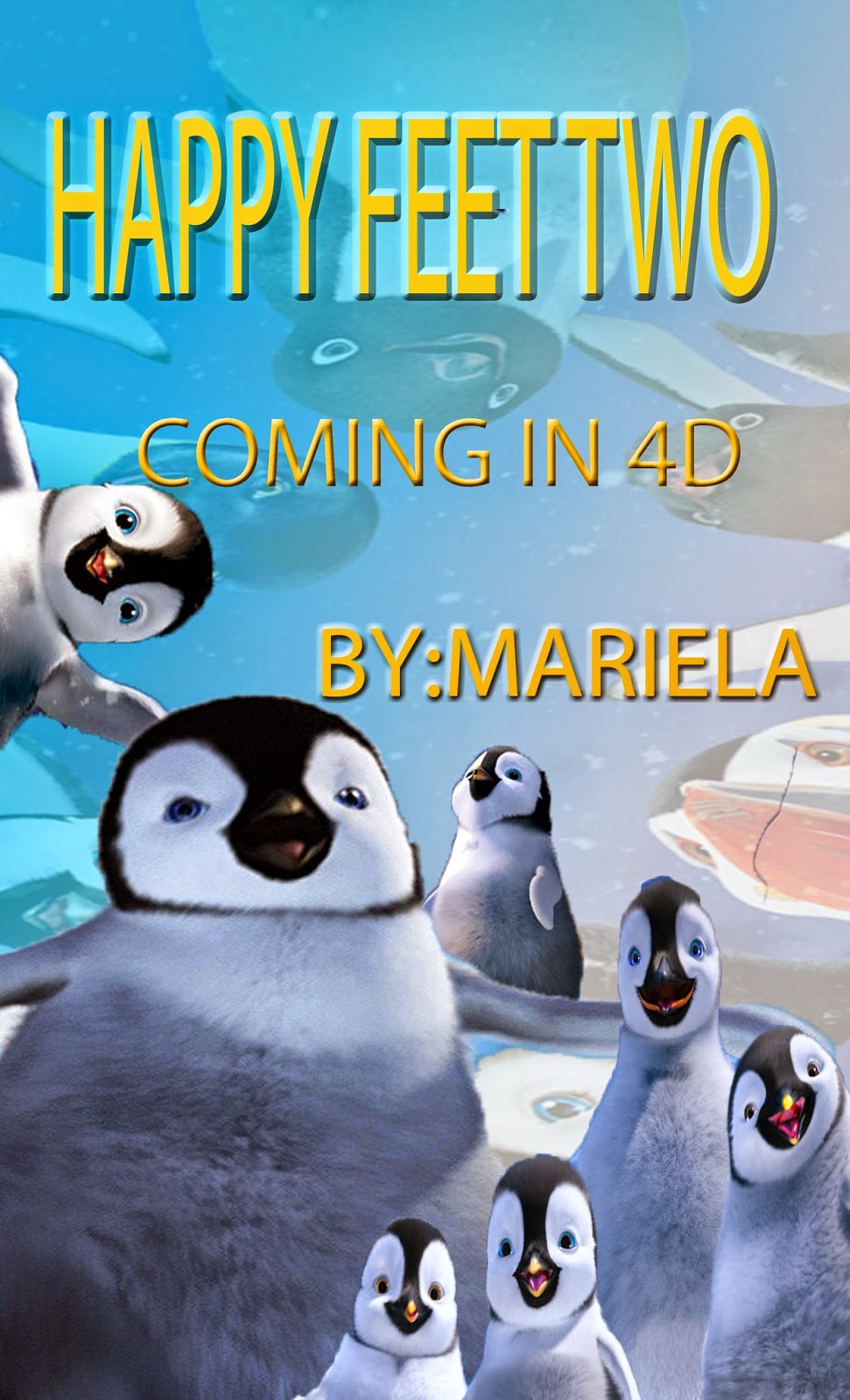
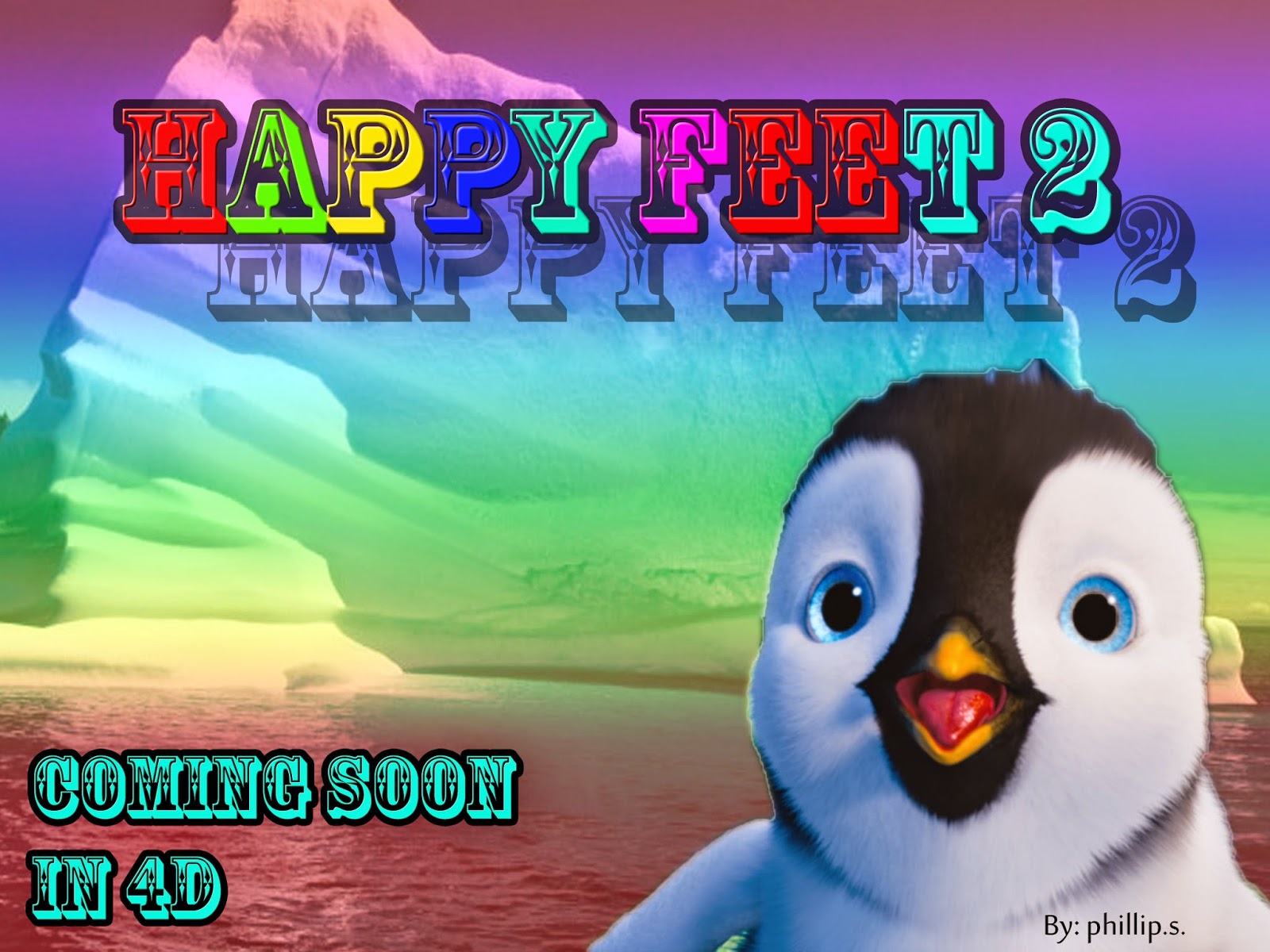
Movie Posters..... student examples
I decided to post a few examples of their finished products. They recreated the posters in Photoshop using pictures from the internet. The images used are used for education purposes under the fair dealing for education and in no way belong to me nor my students.
The students were excited to use Photoshop because it gave students that have a difficult time drawing to produce something they visualize and it gave them an opportunity to manipulate elements to come up with a product that is very different.
Below are the goals and success criteria my students came up with prior to beginning their posters.
What are your learning goals for today?
The students were excited to use Photoshop because it gave students that have a difficult time drawing to produce something they visualize and it gave them an opportunity to manipulate elements to come up with a product that is very different.
Below are the goals and success criteria my students came up with prior to beginning their posters.
What are your learning goals for today?
I want to learn…….
1. To create an attractive
movie poster that kids ages 5-10 want to see.
2. To use contrast,
colour, size, balance, texture and text to entice and communicate a message
from a story.
3. To use Photoshop to
create a poster that “grabs” people’s attention.
I will be successful if…..
1. A successful
poster uses the Elements of Design to grab my classmates attention, uses most
of the design elements
2. I used the elements of design to create emotion,
feeling and to make a connection to the story and to the world.
3. I can use the tools in Photoshop to make it look
professional—almost realistic.




Friday, January 3, 2014
Movie Posters..... Media Literacy
Showing a DVD does not mean that Media literacy is being
taught. It is teaching students how
media messages are being constructed, who constructs them, the audience, why they are constructed and how they are constructed. We cannot
expect students to produce effective media if we do not equip them with the
necessary skills to understand media. To Understand Media Literacy better visit Center For Media Literacy where you will find a post written by Neil Andersen where he discusses the importance of Media Literacy Education.
I have surfed the net looking for some instructional model on how to teach Media Literacy. I realized that to teach Media Literacy is to understand the Media, the messages conveyed and how these messages in some way guide us in the decisions we make. I also realized that its more than just tv. Its newspapers, magazines, graphic novels, films, photographs, posters, songs, radio, music, etc.
I have surfed the net looking for some instructional model on how to teach Media Literacy. I realized that to teach Media Literacy is to understand the Media, the messages conveyed and how these messages in some way guide us in the decisions we make. I also realized that its more than just tv. Its newspapers, magazines, graphic novels, films, photographs, posters, songs, radio, music, etc.
So I decided to begin my lesson on Movie Posters.
The following is a synopsis of my lesson. This lesson took about a month and half from start to its completion.
My students deconstructed movie posters and then they produced their own. Students were given opportunities to self-regulate, communicate through class discussions and presentations, to use ICT for learning, critically analyze, synthesize and evaluate posters.
To see a more detailed lesson synopsis (not a detailed lesson plan), click on the links to view everything I used.
Movie Poster Activities
Power Point Activity
Video Tutorial for Photoshop
I used the ideas on http://www.webdesignerdepot.com/2011/02/7-elements-of-a-great-movie-poster-design/
to help put my lesson together for when
my students critically analyzed their movie posters. I changed the posters on this site to accommodate for
the age level of my students. I also borrowed ideas from various websites.
Thank you to Sandra Mustacato for her support and resources.
Now where do I go from here? Like I mentioned, there are other Medias to help students understand and deconstruct. We will build on this lesson and move onto understanding advertisement and its marketing tricks.
What do you think?
Thank you to Sandra Mustacato for her support and resources.
Now where do I go from here? Like I mentioned, there are other Medias to help students understand and deconstruct. We will build on this lesson and move onto understanding advertisement and its marketing tricks.
What do you think?
Wednesday, December 18, 2013
Tuesday, December 3, 2013
Blendspace changed from Edcanvas
Edcanvas now has a new name. It is Blendspace. Checkout February 13, 2013 post.
Thursday, November 21, 2013
Prodigy.....Online math game
Prodigy is a free online math game that features engaging activities. It has content that is curriculum-aligned. It also features real time reporting with formative and summative assessments. Teachers can use their accounts to create student accounts.
https://www.prodigygame.com/Canada
https://www.prodigygame.com/Canada
Wednesday, November 6, 2013
Instructables
Instructables is a site where you can explore creations and share our own creations with others. It is a worthwhile site to explore and use. Click on image for link.
 |
Wednesday, October 23, 2013
Teaching Ideas
Teaching Ideas is a site that has free lesson ideas, resources and activities. What interested me in mentioning this site is the Library section that contains ideas and resources linked to children's books and literature. There are ICT and technology ideas as well that you can adapt by using a web 2 tool.

Wednesday, October 9, 2013
Stupeflix and Flixtime video creation

 You can also try Flixtime
Friday, September 20, 2013
Scrible
Scrible allows you to annotate and organize online information. This can be used as a collaborative tool and a way of managing web information for yourself and share with others.
- Add Scrible Toolbar to your browser
- Annotate web pages
- Organize, search and retrieve information in personal library at www.scrible.com
Wednesday, September 18, 2013
Scoop It .......... Curate Articles
Scoop-It is a tool where
you can discover content through curation.
You name a topic and search for the content that matters to you. You can customize it with your own
perspective and then share your interests.
View the following video to see how it works. http://www.scoop.it/
Wednesday, September 11, 2013
Digital Story Telling Tools
Some more
Digital Story Telling Tools that are slightly different from the Comic Strip
list of tools that I previously mentioned.

Story
bird where students can Write, Read, Discover and Share their stories with the world.
http://generator.acmi.net.au/storyboard

http://domo.goanimate.com/studio
Subscribe to:
Posts (Atom)